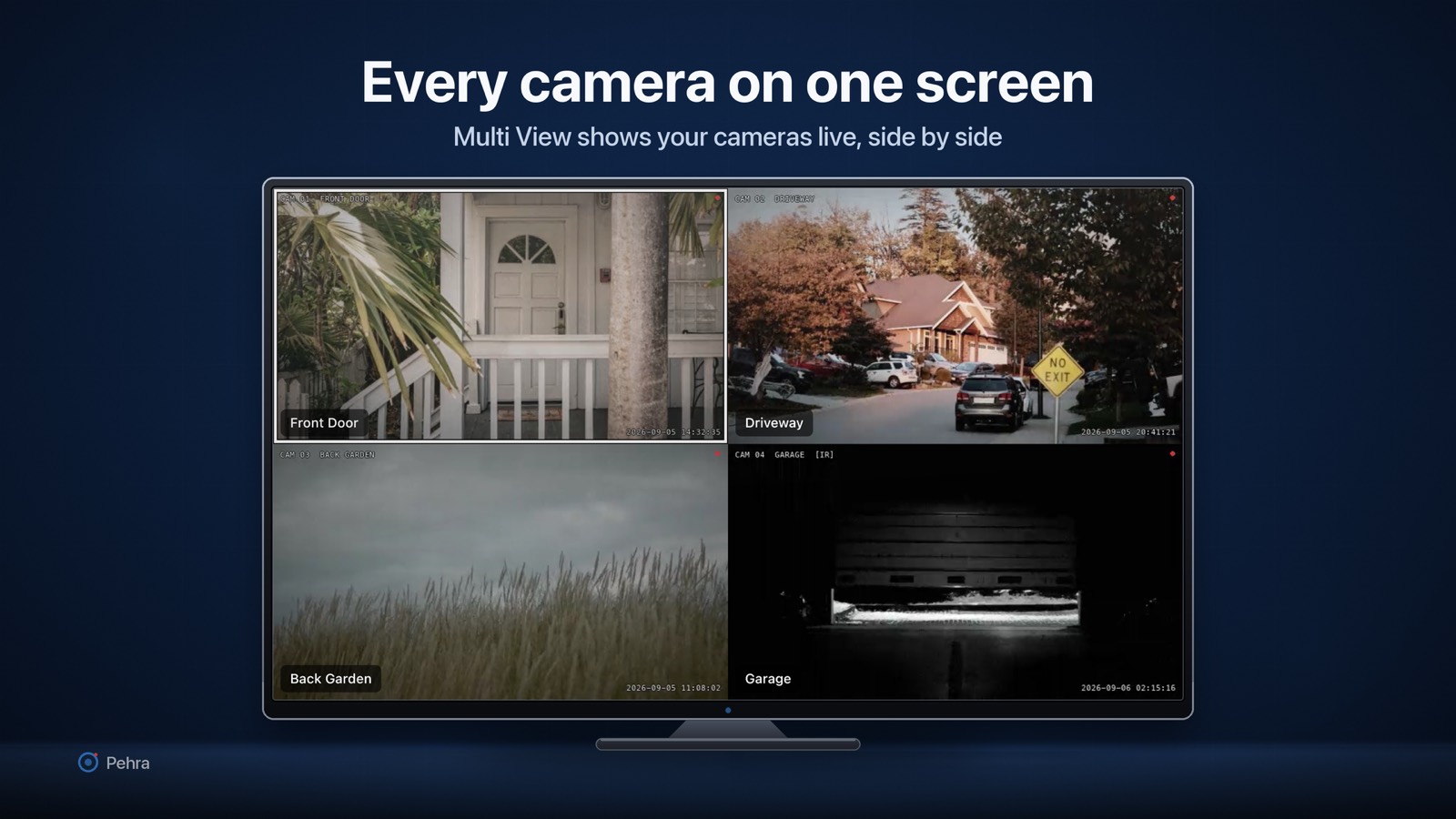
Pehra shows live video from IP cameras and recorders on your own local network. Your video and your camera details never leave the devices you own.
What the app stores, only on this Apple TV: the camera details you enter or discover, including names, RTSP and HTTP addresses, ONVIF endpoints and stream profiles; the usernames and passwords for those cameras, held in the system Keychain and sent only to the camera they belong to; your app settings, such as auto-cycle timing and the grid layout; and any snapshots or recordings you choose to save.
What the app does not do: it does not create accounts or ask you to sign in; it does not send video, snapshots, camera addresses or passwords to the developer or to anyone else; it does not collect analytics, crash reports, advertising identifiers; it contains no advertising or tracking code; and it does not use your location.
Local network: the app connects only to addresses you enter, usually local, but reaches the internet for a public address or VPN; ONVIF discovery stays local. The phone-assisted setup feature serves a small page from the Apple TV that a phone on the same network can open; that page is reachable only inside your network and stops when you leave the setup screen. Demo mode plays sample clips that are bundled inside the app and uses no network at all.
Third-party code: the app includes open-source components such as VLCKit. They run on the device and send nothing on their own. The full list is in Settings, under About and licences.
Retention: nothing is stored outside your device. Removing a camera deletes its details and its saved password. Deleting the app removes its snapshots, recordings and settings; passwords survive in the Keychain, so remove cameras first.
Pehra is not directed at children and does not knowingly collect personal information from anyone.
Contact: sajidhanif865@gmail.com